
BANK TERMINAL INTEGRATION
From iiko straight to the terminal
Connect your till to your bank terminal. Take payments without re-entering the amount or switching between separate steps, and spend more time with guests.
See supported banks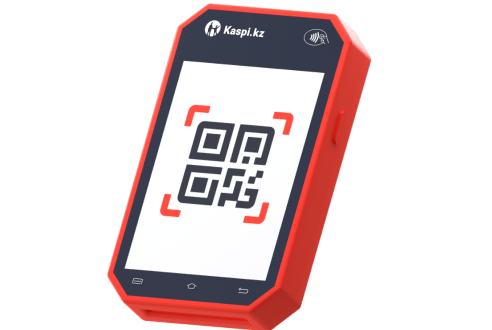
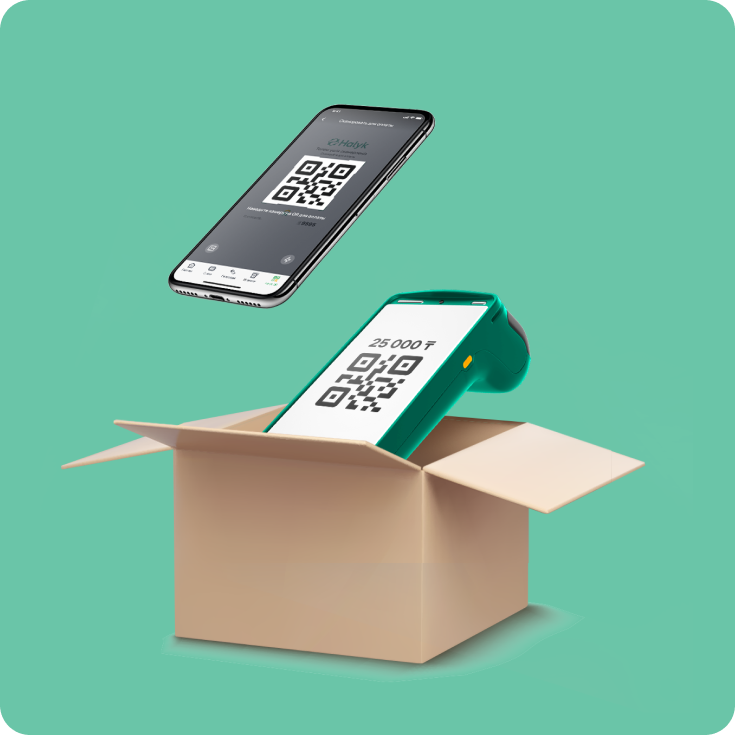
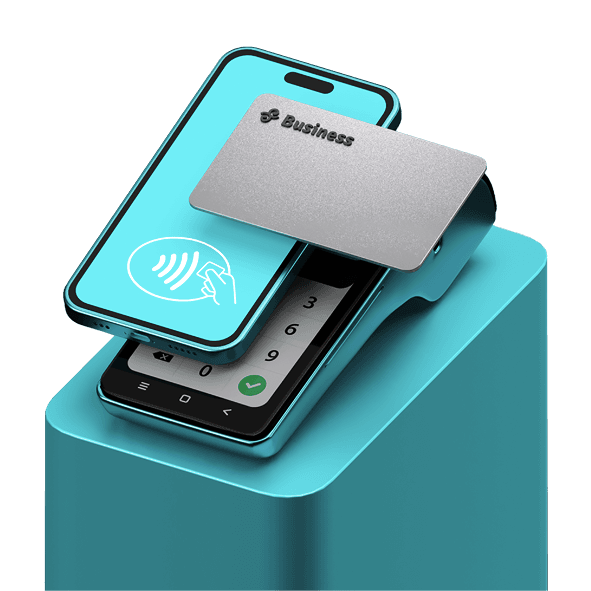
One payment. Three simple steps.
Start payment in iiko
The cashier opens checkout and selects the bank payment method.
The guest pays on the terminal
The amount has already been sent from the order, with no manual entry.
Receive confirmation and a receipt
The result returns to iiko and a receipt is printed after successful payment.
Your bank is already on the list
OpenService has ready integrations for these banks. Tell us which bank you use and request a connection.





Before connecting, we check the terminal model and bank configuration. Available payment methods, refunds and reconciliation depend on the equipment and bank integration.
FOR YOUR TEAM
Less manual work with every payment
The amount comes from the order
iiko sends the amount to the terminal. Cashiers do not have to enter it again, reducing the risk of typing errors.
Fewer steps at checkout
Less manual work when taking payment, especially helpful when a queue builds up at busy times.
Payment status in iiko
The till receives the terminal’s response. Staff can see whether payment succeeded and respond to an error.
Payment and receipt stay connected
After a successful payment, the transaction is recorded in the system and a receipt is printed, with fewer separate steps.
Start with the terminal you use
Tell us your bank, terminal model and number of integrations. We will check compatibility, agree the setup and verify payments before your team starts using it.
Discuss the connection